
Out of Base44 credits
Out of Base44 credits? What stops, and how to keep building
Running out in the middle of a project is frustrating, especially when you are one change away from done. Here is exactly what stops and what keeps working, how the allowance comes back, how to make it last longer, and how to keep building the same project without Base44 credits.
How Base44 meters AI
- Free
- 25 message credits a month, at most 5 a day, and 100 integration credits
- Starter and Builder
- 100 and 250 message credits a month; 2,000 and 10,000 integration credits
- Pro and Elite
- 500 and 1,200 message credits a month; 20,000 and 50,000 integration credits
- Resets
- Free daily at midnight; paid monthly on the day you subscribed. Unused credits expire at reset
What happens when your credits run out
- Out of message credits: you can't send messages to the AI until they reset.
- Out of integration credits: features in your live app that need them, such as email, AI calls and backend functions, fail with an error. The people using the app see a generic error.
- Editing by hand still works: dragging, layout changes and editing text directly use no credits.
Integration credits are spent by your app's visitors, not only by you. A busy month can stop features in the live app even if you haven't built anything.
Ways to get more credits in Base44
Wait for the reset
Free credits come back daily; paid credits on the day of the month you subscribed.
Move up a plan
Base44 no longer sells credit top-ups, so a bigger plan is the way to get more. Billed yearly, Builder is $40 a month and Pro $80.
Make your Base44 credits last longer
This is Base44's own advice, from its documentation:
- Plan in Discuss mode first: it usually costs about 0.3 credits a message and builds nothing until you approve.
- Make small changes by hand: visual edits and direct text edits are free.
- Call outside services with your own API key: those calls don't use integration credits.
- Don't compare two models on routine work: it costs twice the credits.
Or keep building on the AI plan you already pay for
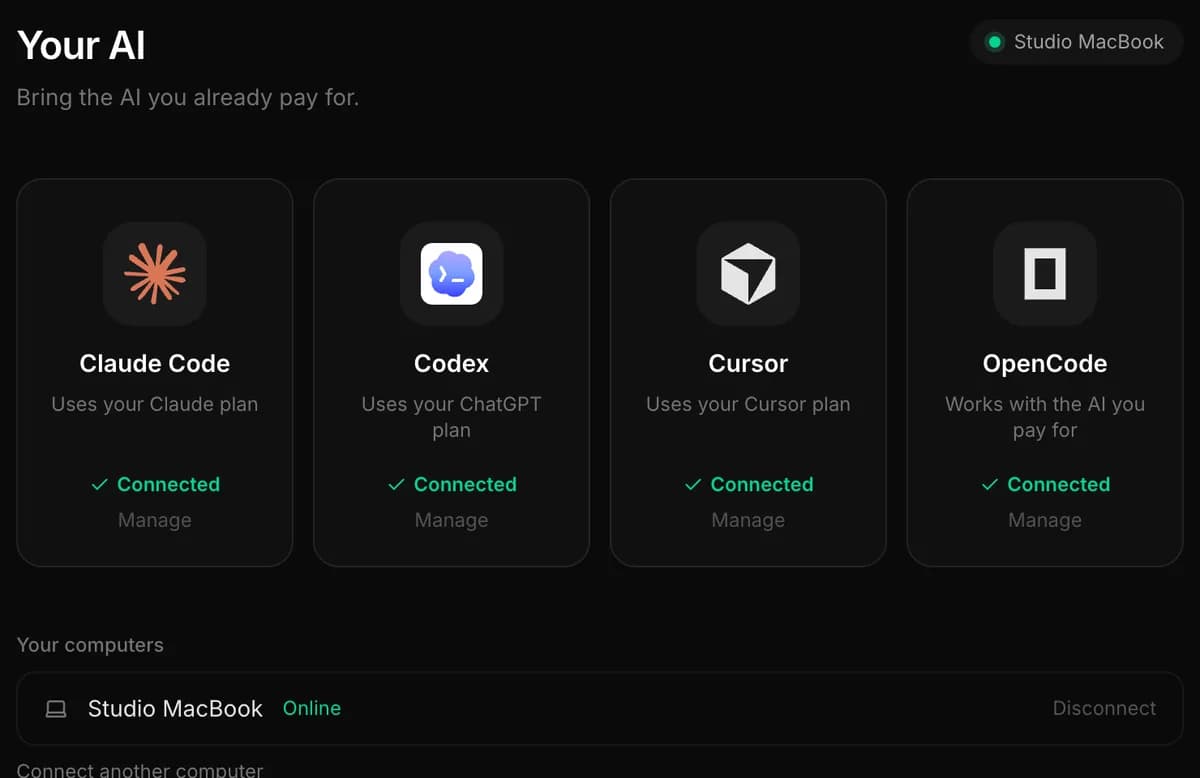
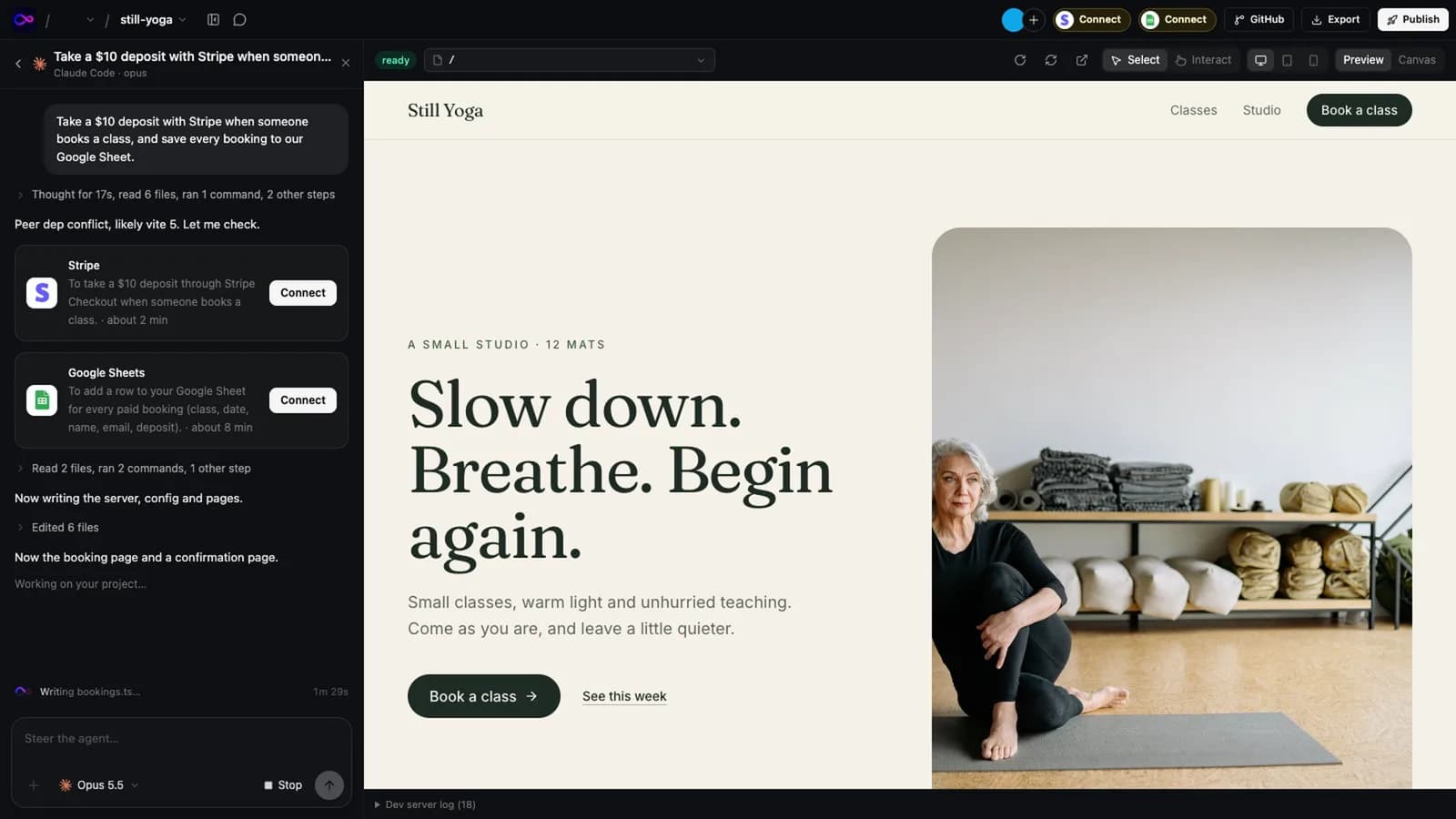
If you already have a Claude, ChatGPT or Cursor plan, you are paying for a coding agent that can do this work. A Base44 project is ordinary code that belongs to you, so you can move it to your own GitHub and let that agent carry on, with no credits to run out of.
One difference with Base44: exporting the code needs the Builder plan or higher, and the exported app still runs on Base44's backend, so its email, AI and backend-function calls keep using integration credits until you replace them. Building no longer uses message credits from the day you move. The guide below covers replacing the backend one piece at a time.
- Base44Connect the project to GitHub
- Your GitHubThe code, with its history
- InstaWebClaude Code, Codex or Cursor keeps building
- Your hostPublish wherever you like
| With Base44 credits | With your own AI plan, in InstaWeb | |
|---|---|---|
| What you pay for AI | Base44's plan and its credits | The Claude, ChatGPT or Cursor plan you already have, or an API key |
| When it runs out | Out of message credits: you can't send messages to the AI until they reset. | Your plan's limit is reached. Switch the chat to another agent you have, or wait for the limit to reset |
| Which AI builds | Auto picks the model. Choosing one yourself needs Builder or higher | You choose for each task: Claude Code, Codex, Cursor or OpenCode |
| Where the app lives | Base44's hosting on a base44.app address; custom domains from Starter. Base44 doesn't support self-hosting | The host you choose, in your own account |
Your own plan has limits too: Claude, ChatGPT and Cursor plans all have usage limits that reset after a few hours or a week. The difference is that you are already paying for them, and in InstaWeb you can switch to another agent you have when one reaches its limit.
The step-by-step guide covers getting the code out, opening it in InstaWeb, and moving the database and secrets: move a Base44 project to InstaWeb.
Related
Sources
Everything said about Base44 here comes from the official pricing pages and documentation, read on 13 November 2026. Plans and features change: check them before you decide, and tell us if something here is out of date.
Try it on a real project
14 days free, no card. Bring your AI, keep the code, host it wherever you want.