
Out of Lovable credits
Out of Lovable credits? What stops, and how to keep building
Running out in the middle of a project is frustrating, especially when you are one change away from done. Here is exactly what stops and what keeps working, how the allowance comes back, how to make it last longer, and how to keep building the same project without Lovable credits.
How Lovable meters AI
- Free
- 5 build credits a day, up to 30 a month
- Pro and Business
- Monthly credits from 100, plus 5 build credits a day
- Daily credits
- Reset at 00:00 UTC and don't roll over
- Monthly credits
- Roll over while you stay subscribed, and expire 2 months after they are issued on monthly billing
What happens when your credits run out
- Building stops. A new message opens a dialog instead of a build, and a run in progress pauses with Add credits and Finish up.
- Chat mode keeps working while the daily chat allowance lasts.
- Published pages keep serving. AI features inside the app stop once the monthly AI grant and your credits are both gone, without a message to the people using it.
- The built-in Cloud backend pauses when its grant and your credits are both gone. The data is kept, but you can't open or export it until the backend is woken up again.
If the app uses Lovable's built-in backend, export the database while you still have credits. Once the backend pauses, the data can't be exported until it is running again.
Ways to get more credits in Lovable
Wait for the daily credits
5 build credits come back every day at 00:00 UTC, on every plan. Enough for a few small changes, not a feature.
Buy a top-up
On Pro, 50 credits cost $15; on Business, $30. Top-ups last 12 months, and you can turn on automatic top-ups. They aren't available on Free.
Move up a plan
Pro is priced by credits, from 100 a month for $25 up to 1,200 a month for $294.
Make your Lovable credits last longer
This is Lovable's own advice, from its documentation:
- Work a problem out in Plan or Chat mode before you ask for a build. Chat mode is paid from the daily chat allowance first.
- Keep each build request small and focused.
- Use Try to fix on errors: 10 runs are free, and each comes back 24 hours after you use it.
- Change text inline: up to 100 inline edits are free. Selecting elements and drawing annotations are charged as builds.
- Set usage limits and low-balance alerts, pause projects you aren't using, and remove the backend from projects that don't need one.
Or keep building on the AI plan you already pay for
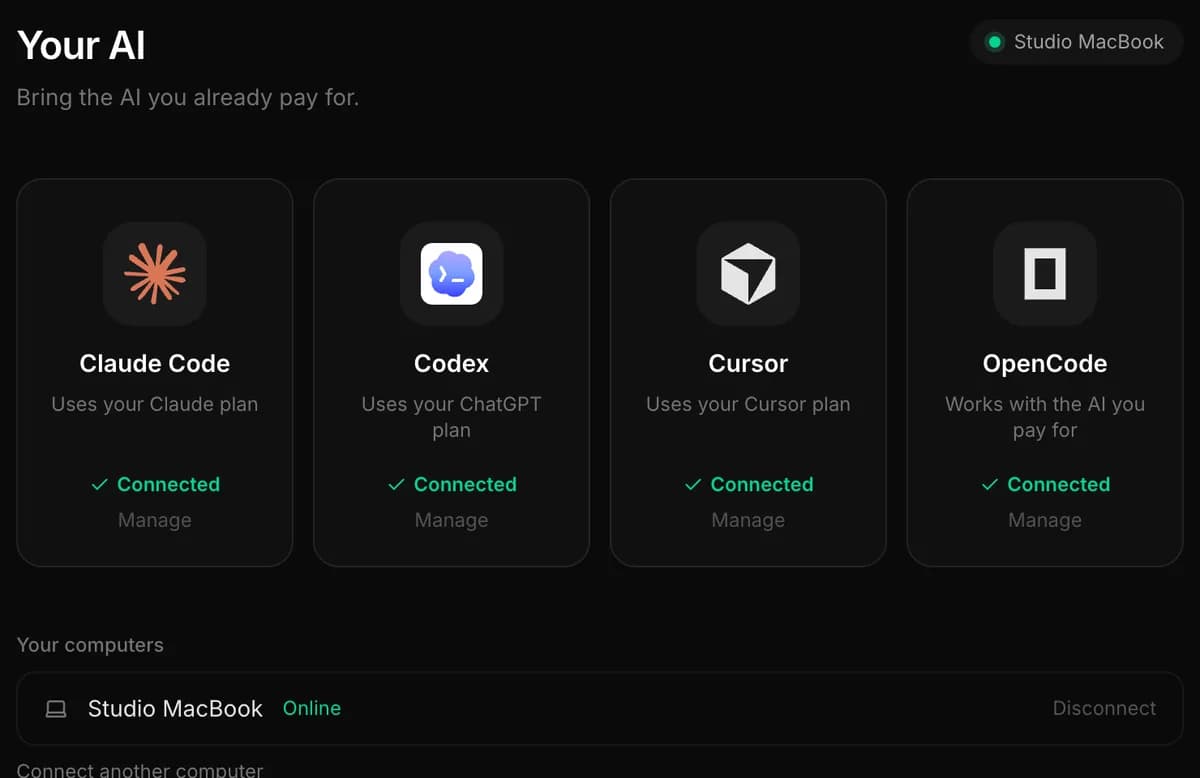
If you already have a Claude, ChatGPT or Cursor plan, you are paying for a coding agent that can do this work. A Lovable project is ordinary code that belongs to you, so you can move it to your own GitHub and let that agent carry on, with no credits to run out of.
- LovableConnect the project to GitHub
- Your GitHubThe code, with its history
- InstaWebClaude Code, Codex or Cursor keeps building
- Your hostPublish wherever you like
| With Lovable credits | With your own AI plan, in InstaWeb | |
|---|---|---|
| What you pay for AI | Lovable's plan and its credits | The Claude, ChatGPT or Cursor plan you already have, or an API key |
| When it runs out | Building stops. A new message opens a dialog instead of a build, and a run in progress pauses with Add credits and Finish up. | Your plan's limit is reached. Switch the chat to another agent you have, or wait for the limit to reset |
| Which AI builds | Lovable chooses the model. You can't pick one for building | You choose for each task: Claude Code, Codex, Cursor or OpenCode |
| Where the app lives | Lovable's hosting on a lovable.app address. The code can be hosted elsewhere. Custom domains need a paid plan | The host you choose, in your own account |
Your own plan has limits too: Claude, ChatGPT and Cursor plans all have usage limits that reset after a few hours or a week. The difference is that you are already paying for them, and in InstaWeb you can switch to another agent you have when one reaches its limit.
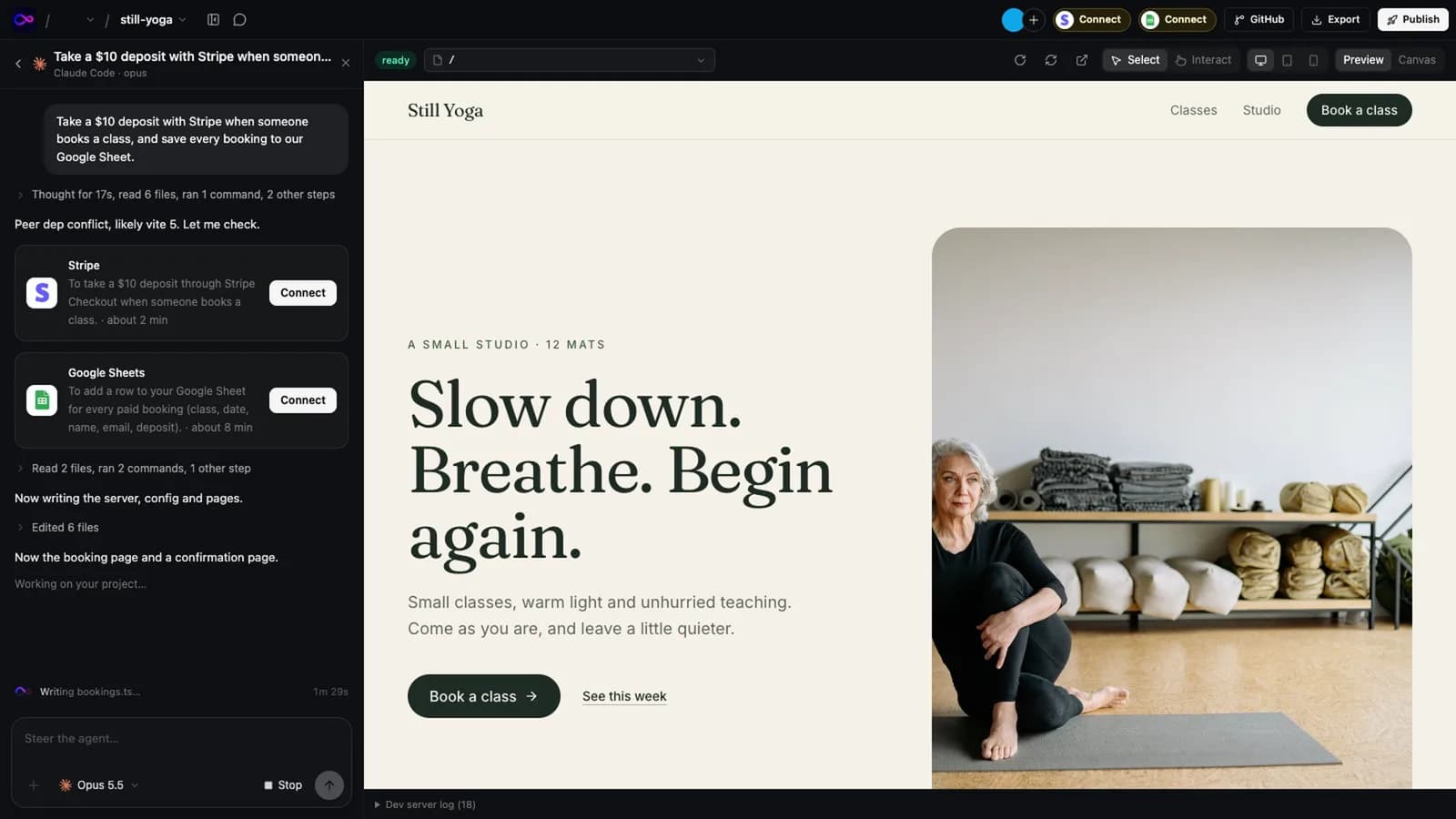
The step-by-step guide covers getting the code out, opening it in InstaWeb, and moving the database and secrets: move a Lovable project to InstaWeb.
Related
Sources
Everything said about Lovable here comes from the official pricing pages and documentation, read on 13 November 2026. Plans and features change: check them before you decide, and tell us if something here is out of date.
Try it on a real project
14 days free, no card. Bring your AI, keep the code, host it wherever you want.